
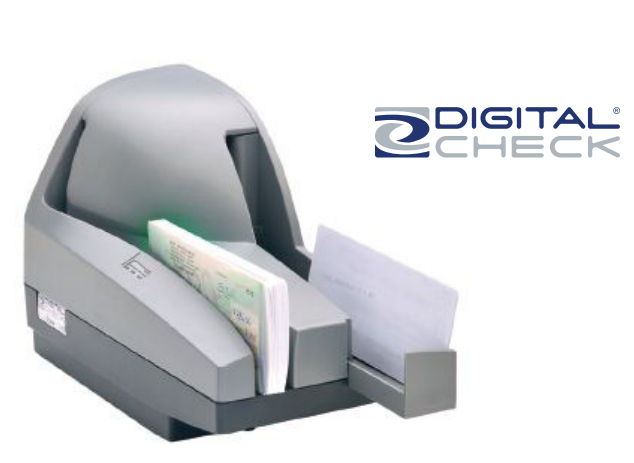
Product Description
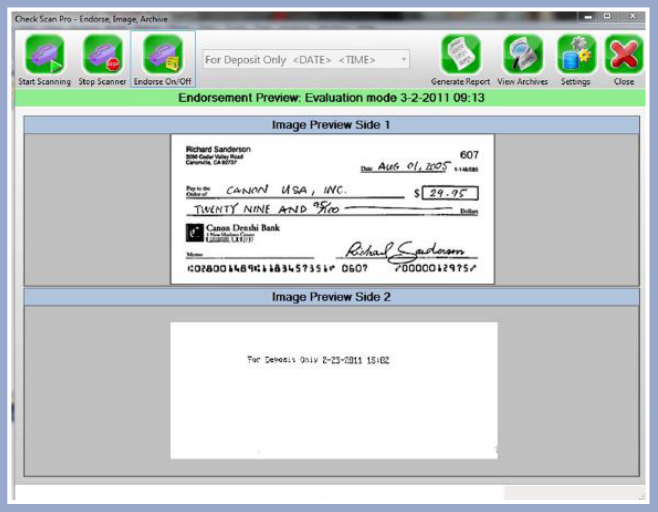
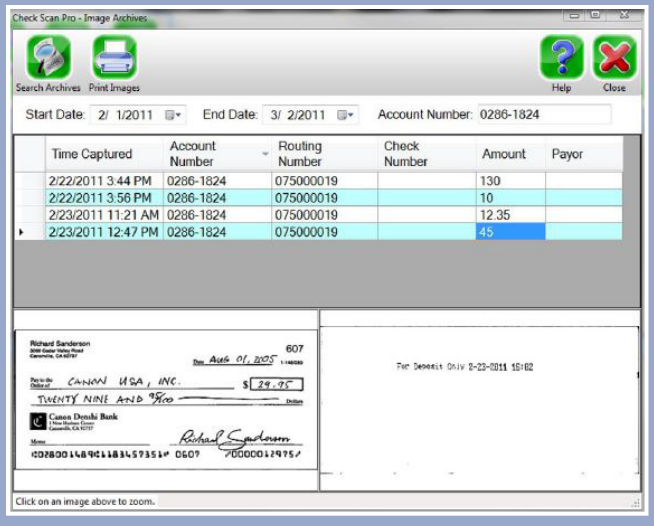
The CheckScan Pro Check Endorsing Software will endorse your checks, scan the front and back image into a database, reads and stores MICR line data, and provides a simple research utility. Research your checks by date or search for all checks by account number and retrieve the check image instantly with the CheckScan Pro Check Endorsing Software.
CheckScan Pro Check Endorsing Software usage:
Step 1: Select your saved endorsement through the pull down menu.
Step 2: Click the start scanning button.
Step 3: Enjoy endorsing, imaging, archiving, and batching at speeds up to 50 checks per minute.
CheckScan Pro Check Endorsing Software Features:
- Database of images, MICR data, and batching information for retrieval at any time.
- Built in research module for retrieving check images by date, operator, MICR, and more.
- Flexible batching options to meet any business need.
- Windows 10 x64 compatible.
- Installation in less than 15 minutes
- Store unlimited endorsement options
- No annual software licensing fee
Check Endorsement Options:
- Unlimited endorsement easily programmed and selectable
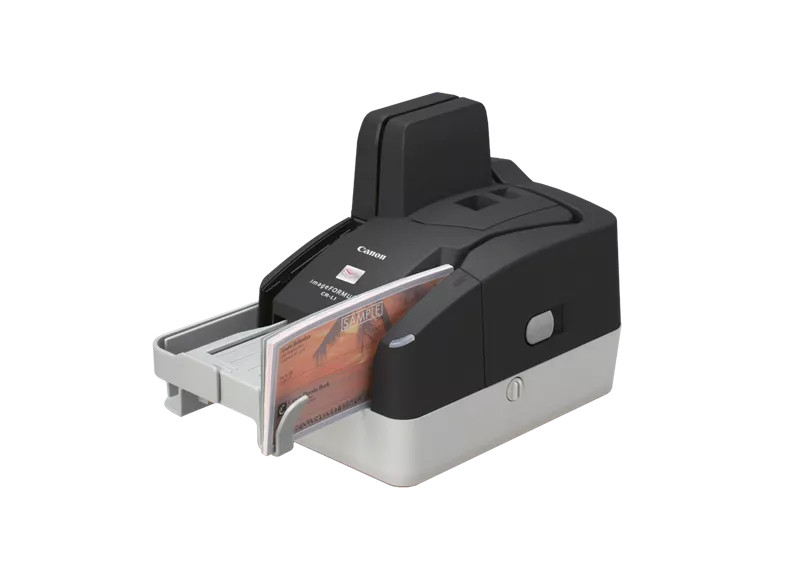
- Single line endorsement when using Canon CR-L1 or Digital Check TS240 models
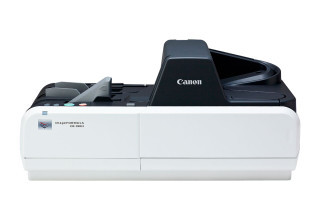
- Up to 3 Line Endorsement (clearly prints your endorsement along with automatically printing of date if desired, with Canon CR-190i II)
Check Endorsement Speed:
- 45 to 190 Doc Per Minute depending on scanner model chosen
Specifications


Specifications
- PDF: CheckScan Pro Brochure CheckScan Pro (CR-190i II Brochure) CheckScan Pro (CR-L1 Brochure) CheckScan Pro (Digital Check TS240 Brochure)
- Manufacturer Part #: CHECKSCANPRO
Reviews
1 review
Related Products
Related Products